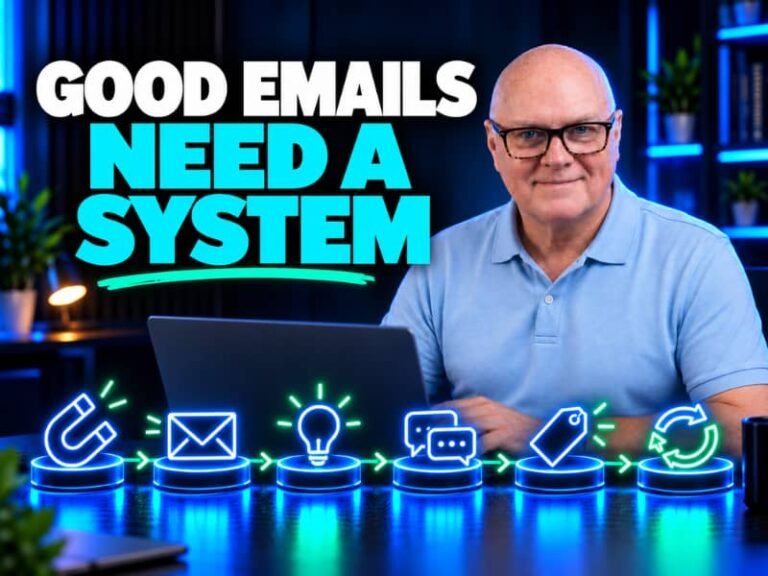
Keep your email system simple
Email marketing should help your business grow. That means building relationships with subscribers, understanding what they need, and making relevant offers.
But many solopreneurs end up with little more than a broadcast channel and a list of people who rarely engage. Some subscribers may have lost interest; others may simply not be hearing from you often enough, or receiving emails that feel relevant to them.
As email marketers, we have three responsibilities to our subscribers:
- Share useful content that educates, informs or gives people something to think about.
- Give subscribers ways to share their interests and goals, then use what they tell you to make your emails more relevant.
- Present suitable offers to the people most likely to benefit, at the right time.
|
That second point is an example of collecting zero-party data: information someone deliberately shares with a business, such as their preferences, goals or interests.
Keep those three things in view, and you’ll have a much better foundation for email that supports your business.
Be careful when using images in your emails
Before I send an email, I ask myself:
If the images don’t display for the recipient, will the email still make sense and be useful?
If the answer is yes, I’m happy to send it. If not, I edit it first.
The image below shows an email from Elgato, a company I rate highly. In my inbox, the images weren’t displayed, so only a limited amount of the message came through.
The other side shows how the email was designed to look, with its glossy, professional graphics. It was a long email, so I split the designed version across two images.
You’ll see this style in plenty of emails, especially ecommerce ones. Images can make an email look polished and eye-catching, but sometimes they don’t load, and the reader is left with very little to go on.
I’m not suggesting you avoid images. Just make sure the important message and call to action are still readable as text, and use descriptive alt text for images that convey useful information.
Help your emails reach the inbox
If you find that your emails are landing in spam, domain authentication is one thing to check. SPF, DKIM and DMARC help receiving email providers verify that messages sent from your domain are legitimate. They’re important, but they can’t guarantee inbox placement on their own.
In the video below, I explain what each record does and show you how to set them up.
If you send business email, it’s worth checking that your sending domain is authenticated correctly.
Set up SPF, DKIM and DMARC

|